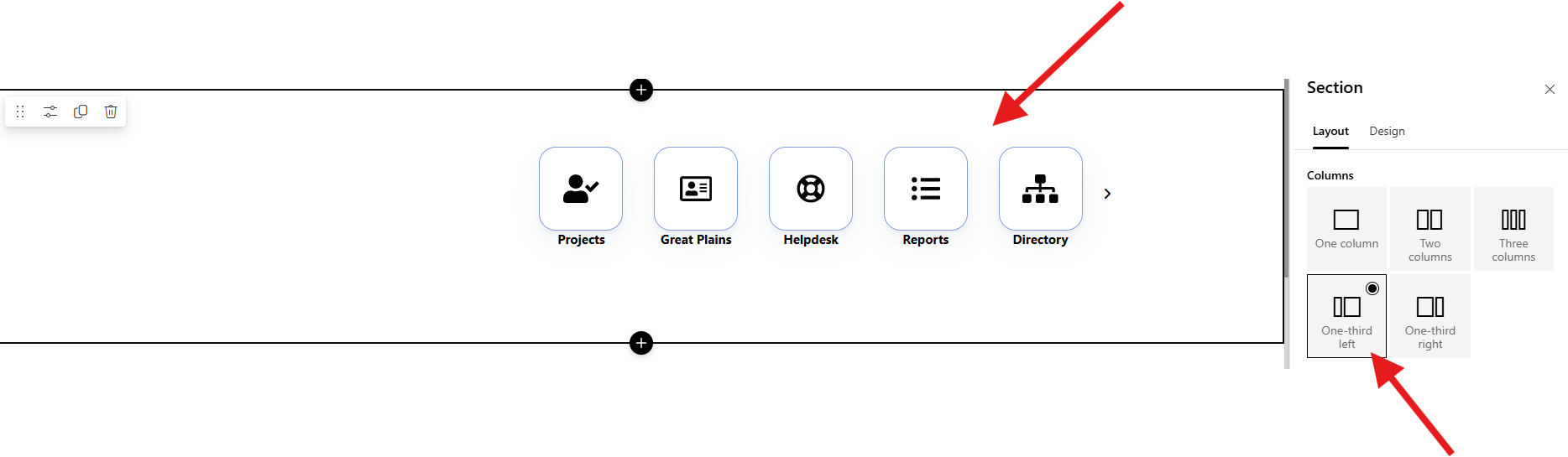
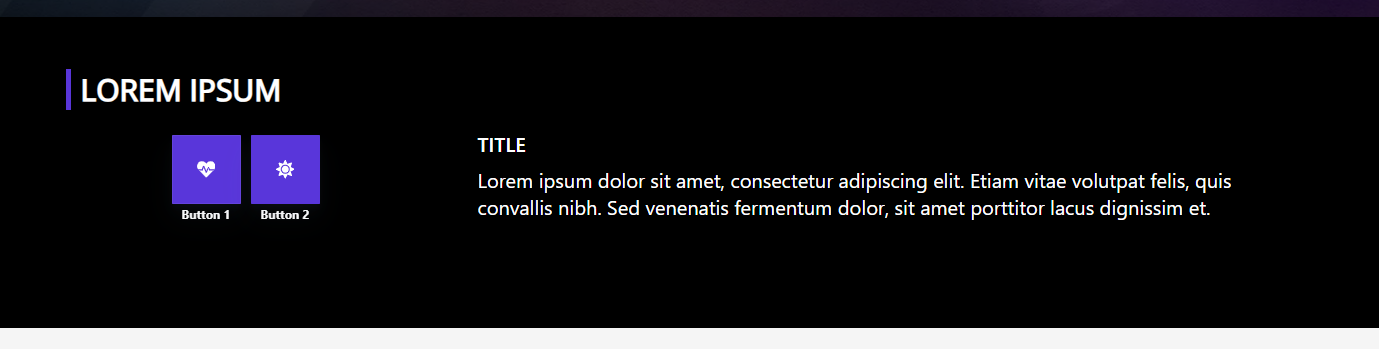
In the Quick Links plus, we’d love to have the option to align the buttons either to the left, center or right!
Thanks!
In the Quick Links plus, we’d love to have the option to align the buttons either to the left, center or right!
Thanks!
Thank you for your suggestion, your request is clear and we will post an update here when one is available.
Thank you for the mockup, your request is clear. We will post an update here when one is available.
Hello!
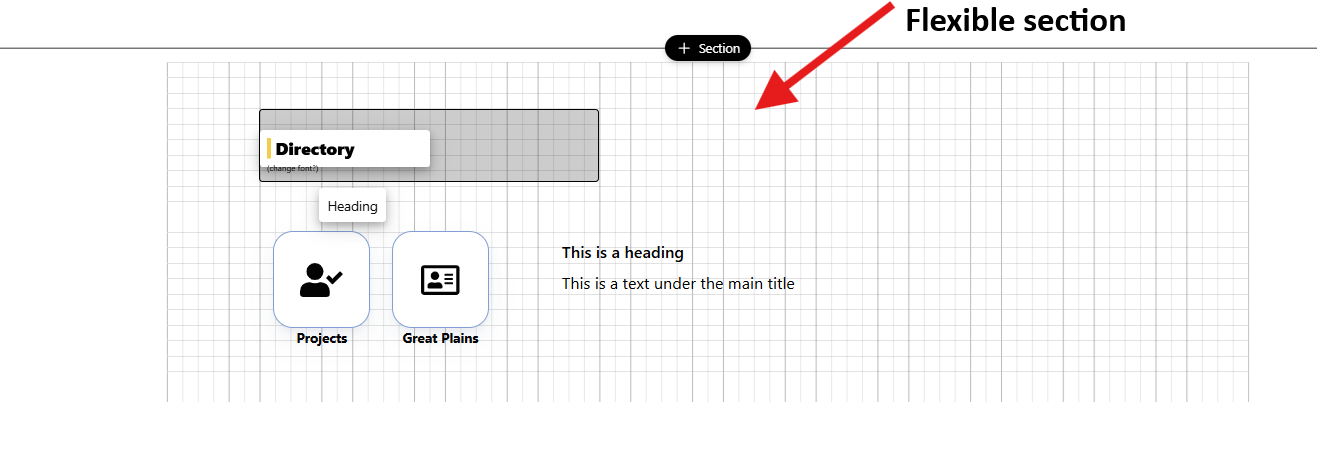
Unfortunately, this won’t work, since we want to align the buttons to the left, and we can’t make the webpart go outside the boundaries of the section (and we need to use the full width of the section).
Let me know! Thanks!
Congrats! Your request has been implemented and if you email support, you will be provided with the upgrade.
Release notes reference: 2025 (Sep - Dec) Release Notes